Habe gelegentlich auch Probleme mit den USB 3.0-Anschlüssen an meinem W520. Kommt aber sehr selten vor und könnte auch ein Problem der Peripherie oder der Verbindungskabel sein. Aber USB 3.0 ist eh out. Vieeeeeeeel zu langsam :sleeping:. Schläfste ja beim Stehen ein

. Aber mit USB 3.1 sieht es dann hoffentlich endlich besser aus.
Hier gerade noch eine (passende) News dazu gefunden:
ASUS Announces Best, Fastest and Most Comprehensive USB 3.1 Solutions
ASUS today announced the world's fastest and first complete line-up of SuperSpeed+ USB 3.1 solutions, including range-wide motherboards with built-in USB 3.1 and two ASUS USB 3.1 Cards. The latter are the new PCI Express (PCIe) expansion card with either dual Type-A sockets or reversible Type-C, that fits quickly and easily to bring breakneck speeds to existing PCs.
ASUS motherboards with built-in USB 3.1 and ASUS USB 3.1 Card deliver next-generation 10Gbit/s data transfer speeds that are up to twice (2X) as fast as USB 3.0. All USB 3.1 Type-A models are fully backwardly compatible with previous USB standards. The new products will begin shipping from the middle of February 2015. The new solutions benefit from exclusive ASUS USB 3.1 Boost technology to push real-world data-transfer speeds faster than ever before, with testing by ASUS engineers achieving sequential read/write speeds of up to 854.6 / 863.9 MB/s - much faster than competing USB 3.1 products.
Joe Hsieh, ASUS Corporate Vice President and General Manager, Motherboard and Desktop System Business Unit, said: "As the world's number-one motherboard brand, we lead by providing the very latest technology for ASUS customers to enjoy. We worked closely with ASMedia Technology Inc to maximize USB 3.1 performance on both ASUS motherboards and our USB 3.1 Card products, ensuring that ASUS customers enjoy the very fastest data transfers from the new standard - and before anyone else!"
ASUS motherboards with dual 10Gbit/s USB 3.1 sockets and 2X-faster performance
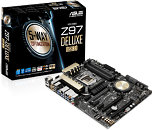
Twelve ASUS motherboards have dual Type-A USB 3.1 ports built in for instant 10Gbit/s connectivity. Products with two USB 3.1 sockets onboard are signified with a '/USB 3.1' suffix and include X99-Pro/USB 3.1, X99-A/USB 3.1 (Transfer Express), X99-A/USB 3.1, X99-E WS/USB 3.1, Z97-Deluxe/USB 3.1, Z97-Pro (Wi-Fi ac)/USB 3.1, Z97-A/USB 3.1, Z97-E/USB 3.1, Z97-K/USB3.1, Sabertooth Z97 Mark 1/USB 3.1, B85M-G Plus/USB 3.1 and B85-Plus/USB 3.1.
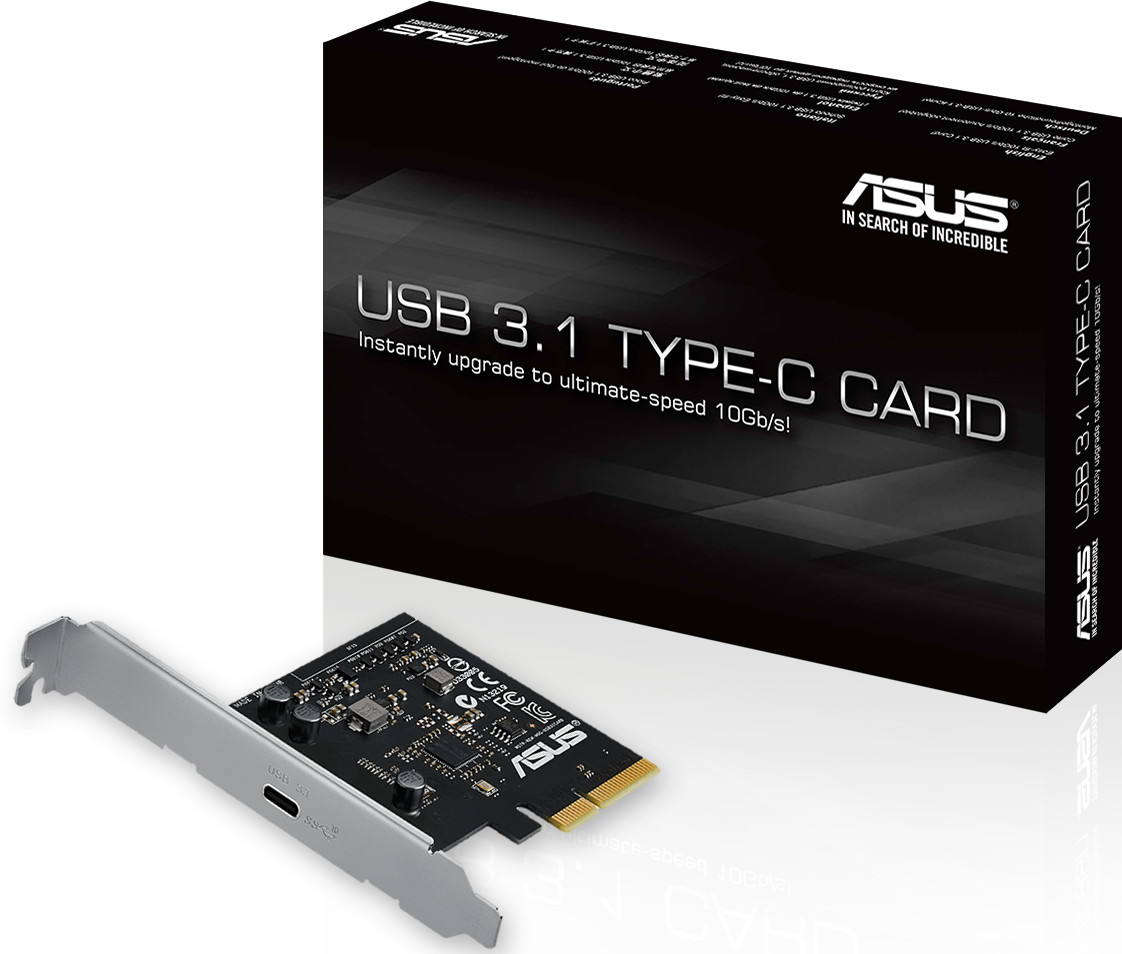
Easy-fit ASUS USB 3.1 Card with dual Type-A ports or reversible Type-C
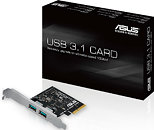
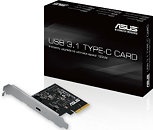
ASUS USB 3.1 Card is the world's first USB 3.1 expansion card that fits swiftly into any PCIe x4, x8 or x16 slot to accelerate existing PCs to deliver lightning-speed transfers of up to 10Gbit/s. Available in two models, with either dual Type-A sockets or reversible Type-C, the new PCIe card is compatible immediately with all ASUS X99 and Z97 chipset-based motherboards and will be compatible soon with more ASUS motherboards, to be enabled by a simple BIOS and driver update.
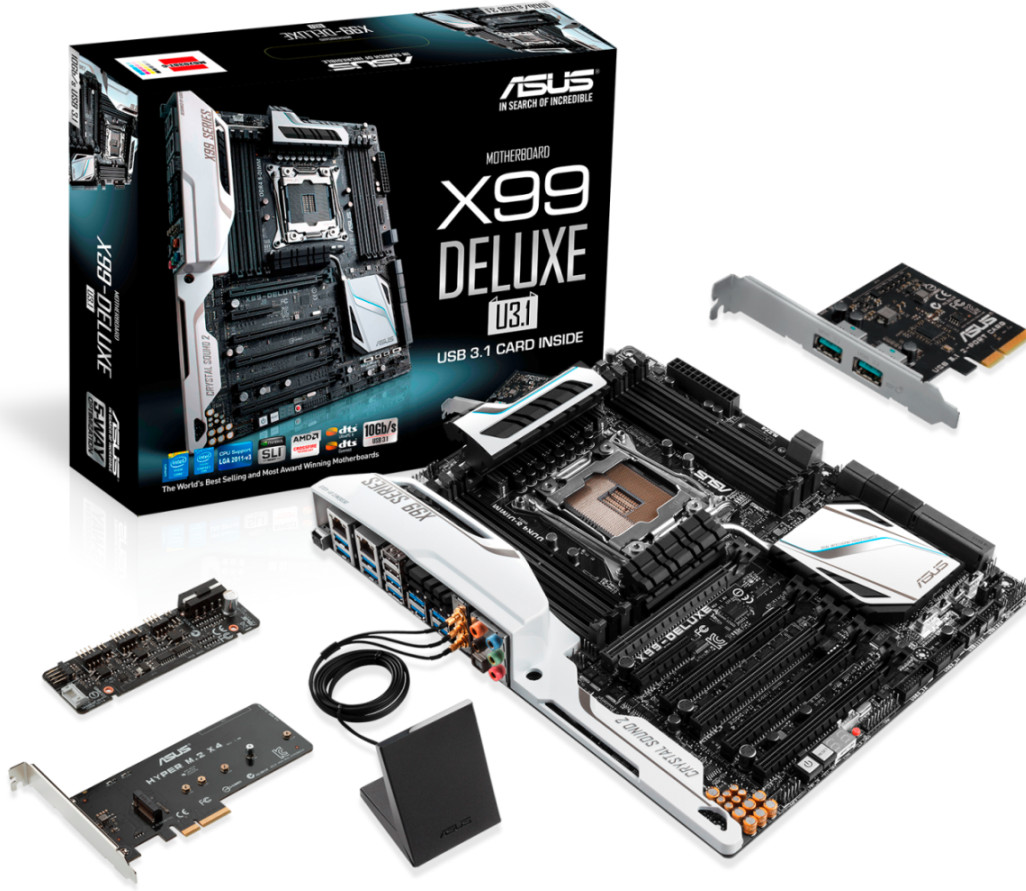
USB 3.1 Type-A Card (Dual) is also included with two new motherboard bundles with a '/U3.1' suffix - Rampage V Extreme/U3.1 and X99-Deluxe/U3.1 - preconfigured and ready to go. Both USB 3.1 Type-A (Dual) and Type-C Card (Single) are available to purchase individually.
Exclusive ASUS USB 3.1 Boost for fastest-ever USB 3.1 data transfers
All ASUS USB 3.1 solutions include ASUS USB 3.1 Boost utility for the very fastest USB 3.1 data transfers. This ASUS-exclusive technology automatically pushes USB 3.1 performance even further, with sustained sequential read/write speeds of up to speeds of up to 854.6/863.9MB/s - figures achieved by ASUS engineers in our own labs.
For a list of motherboard BIOS updates that enable USB 3.1 add-on card support, visit
this page.
Source: TechPowerUp - ASUS Announces Best, Fastest and Most Comprehensive USB 3.1 Solutions